
Introduction
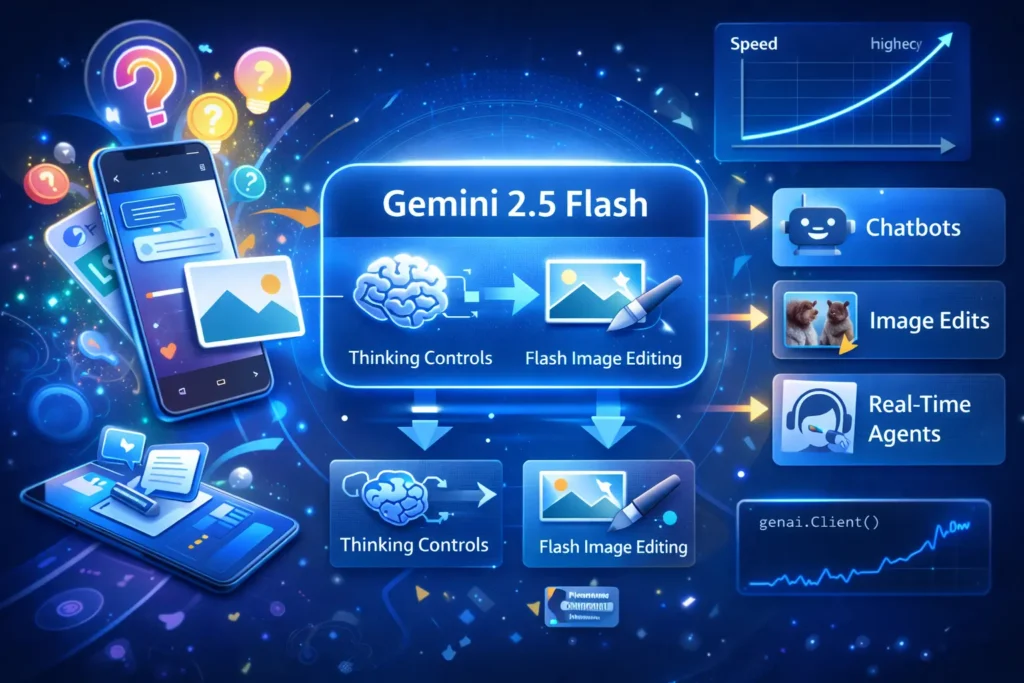
Gemini 2.5 Flash is a production-oriented member of Google’s Gemini 2.5 family. From an NLP and systems perspective, it’s a model optimized across the inference stack: model architecture and capacity choices are balanced against quantization, kernel optimization, and serving strategies so that latency, cost, and throughput become first-class tradeoffs for product teams.
In practical terms, Flash aims to deliver strong instruction-following and multimodal (text+image) abilities while minimizing p50 and p95 latency and maximizing tokens/sec. For teams building conversational agents, high-throughput document summarizers, or automated image edit pipelines, Flash offers an attractive balance — but the right decision should be guided by reproducible benchmarks on your real prompts and an understanding of how “thinking” (internal latent-step reasoning) affects token counts and billing.
This guide translates product guidance into concrete terms: how to design fair benchmarks, what to part, how to deploy using Vertex AI and the Gemini API, cost estimation templates, and enterprise safety best practices.
When Gemini 2.5 Flash Becomes Your Secret Weapon”
- Choose Flash when latency and cost per request are primary constraints, and you still need solid instruction following and multimodal throughput.
- Validate with A/B testing against Gemini 2.5 Pro for prompts requiring deeper multi-step reasoning or complex code/math.
- Don’t assume vendor charts generalize — vendor results reflect specific regions, hardware, and workloads. Always reproduce on your datasets and publishing harness.
What is Gemini 2.5 Flash?
- Pro: Highest capability, best on hard reasoning, code, and chain-of-thought style tasks.
- Flash: Middle ground — optimized for inference efficiency with considerable reasoning competence.
- Flash-Lite: Minimal compute/cost for extreme throughput with reduced capability.
From a systems angle, Flash is the point on the capability cost-latency curve where you intentionally accept slightly less peak performance to achieve lower latency and better tokens/sec. There is also a Flash Image branch tuned for multimodal image generation and editing tasks (image prompts, targeted edits, multi-image fusion), which includes provenance signals (SynthID).
Key Features for Engineers
Thinking controls
Flash exposes a thinking knob: a configurable internal reasoning budget (measured in tokens or conceptual steps) that the model can use before emitting a final output. From an architecture perspective, thinking is similar to running a controlled extra forward pass or enabling internal chain-of-thought computation. The knob lets you trade extra compute and increased output token billing for improved correctness on hard tasks.
Practical note: Track thinking tokens separately when measuring cost because some pricing lines bill thinking as output.
Multimodal — Flash Image
Flash Image supports multimodal instruction pipelines: image tokenization + fusion, targeted inpainting-style edits, and multi-image composition. It aims to give predictable latencies for image-based prompts and attaches provenance metadata (SynthID) to generated/edited images for traceability.
Optimized Inference & Throughput
Flash is tuned with inference efficiencies: kernel optimizations, better batching behavior, and often quantized serving configurations that reduce memory and compute per token. For the NLP engineer, this means higher tokens/sec and lower p50/p95 latencies vs higher-capability models.
Billing & price-performance orientation
Flash is positioned as price-performance focused. Billing models vary across Gemini API and managed Vertex deployments; be careful to include thinking token billing and media tokenization when calculating per-request cost.
Performance & Benchmarks — How you Should Test
Vendor plots are useful but not reproducible by themselves. Below is a step-by-step reproducible benchmarking methodology designed for an NLP systems team.
Suggested Benchmark plan
- Short chat turns (1–3 user messages)
- Multi-turn dialogs (3–20 messages)
- Long context summarization (2k–20k tokens)
- Image edit prompts (image + text)
- Instruction tasks (code, math, reasoning)
Experiment Design
- Run Flash, Pro, Flash-Lite, and competitor models under identical hardware/region and client settings.
- Use the same prompt harness, identical timeouts, and retry policies.
- Log raw outputs, token counts, latency per call, and server-side metrics if available.
Publish everything — anonymized prompt sets, harness scripts, container images, and methodology. Reproducibility builds credibility and helps SEO.
Minimal Reproducible Test Harness
Practical Measurement Checklist
- Measure cold vs warm latency (cold includes model spin-up).
- Measure different concurrency levels (1, 5, 10, 50 clients).
- Test streaming vs non-streaming — streaming reduces perceived latency.
- Track billing tokens at the per-request level (input, output, thinking).
- Human evaluation: sample 3–5 raters per example for final quality scores.
“Gemini 2.5 Flash Pricing & Cost-Performance
Important: Prices change. Always confirm the official pricing page before production.
Example Pricing Template
| Item | Example rate (per 1M tokens) | Notes |
| Input (text/image/video tokens) | $0.30 / 1M | Input tokens include tokenized text and many image tokenizations |
| Output (including thinking tokens) | $2.50 / 1M | Some pricing lines bill thinking tokens as output |
| Flash-Lite (input) | $0.10 / 1M | Lower-cost bulk variant |
| Flash-Lite (output) | $0.40 / 1M | For simpler outputs |
Example cost model
Assume:
- Avg input tokens/request = 150
- Avg output tokens/request = 300
- Requests/day = 100,000
- Output rate = $2.50 per 1M tokens
Output cost/day = (300 tokens * 100,000 requests) / 1,000,000 * $2.50
= 30,000,000 / 1,000,000 * $2.50 = 30 * $2.50 = $75/day → ~$2,250/month
Notes
- Enable logging of token counts with each request to produce accurate monthly projections.
- If thinking is enabled, output token counts increase — measure both modes.
- Batch requests or use context caching to reduce repeated tokenization costs.
How to Build With Gemini 2.5 Flash
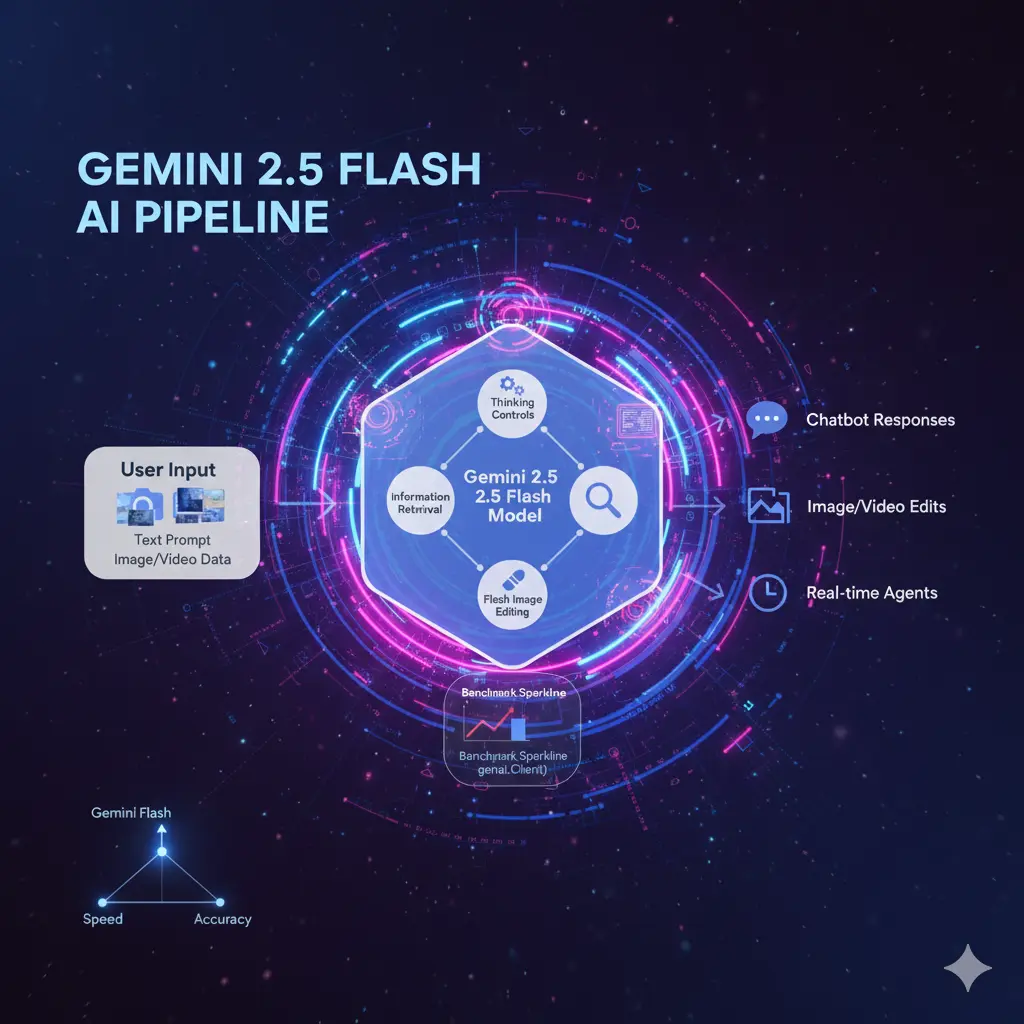
You can run Flash via Google AI Studio, the Gemini API, or Vertex AI. Below are practical snippets and production tips expressed for NLP engineers.
Production Recommendations
- Use streaming endpoints to reduce perceived latency for chat UIs.
- Implement per-request timeouts and graceful fallbacks.
- Instrument tokens, latencies, and error codes for each call.
Vertex AI deployment tips
- Use Vertex managed endpoints for autoscaling and high availability.
- Prefer streaming endpoints for chat experiences; tune max_concurrency and autoscale thresholds.
- Canary deploys new model variants and include canary traffic with dedicated monitoring.
AI Studio & Flash Image
AI Studio is useful for rapid prototyping (templates, image edit UIs). For production, use API or Vertex endpoints with proper rate limiting and audit logging. Flash Image includes SynthID watermarking and supports targeted edit prompts and multi-image fusion.
Production Notes
- Alive for UX: Effective outputs improve perceived responsiveness; measure both server and client latencies.
- Retries & balk: Use exponential give up for transient errors and circuit breakers for persistent issues.
- Instrument request: Input tokens, output tokens, thinking tokens, latency, model variant, fault code.
- Cache repeated context: Cache embeddings, retrieval results, or repeated prompt prefixes.
- Graceful degradation: Fallback to smaller models or cached responses when under heavy load.
- Canary & rollback: Always test a new model variant with a fraction of traffic and automated rollback triggers.
“Gemini 2.5 Flash Real-World Use cases & Templates
Customer Support Summarization & Routing
Job: parse tickets, summarize, classify urgency, and route to the correct queue.
Why Flash: lower latency per request and lower compute cost per unit at high volumes.
Template:
- Step 1: Transcribe the audio.
- Step 2: Run extraction (structured fields) + summarization (Flash).
- Step 3: Generate suggested tags/assignee.
- Step 4: Human review for high-severity cases.
Multimodal product catalog generation
Job: remove backgrounds, make aspect ratios, create variant images, and generate descriptions.
Why Flash Image: targeted edit prompts and multi-image fusion speed up cataloging while SynthID improves provenance.
Real-time voice agents
Flow: ASR → Flash for intent and response → TTS.
Why Flash: optimized for low latency; measure audio input tokenization and TTS latency for the end-to-end loop.
Document parsing & RAG agents
Job: extract structured fields and provide retrieval-augmented answers.
Why Flash: good throughput for parsing at scale when paired with grounding for accuracy.
Safety, Compliance & Limitations
Independent reporting has noted gaps in safety or timing of red-team material for new releases. Enterprises should require model cards and signed red-team summaries before procurement.
Guardrail checklist
- Audit logs: Store prompts + outputs (securely) for traceability.
- Adversarial testing: Run jailbreak suites and safety filters.
- Human in the loop: For high-risk outputs, enforce human review.
- PII protection: Redact or pseudonymize before sending sensitive content.
- Vendor documentation: Request signed model card and red-team summary.
Mitigation patterns
- Grounding/RAG: Retrieve facts from curated sources before generation to reduce hallucination.
- Post-filtering: Apply classifiers for toxicity, misinformation, and policy violations.
- Confidence thresholds: Only allow auto-commit for outputs above a calibrated confidence score.
10 — Gemini 2.5 Flash vs Alternatives
| Feature / Model | Gemini 2.5 Flash | Gemini 2.5 Pro | Flash-Lite | Competitors |
| Target | Price-performance, production | Highest capability | Ultra-high throughput | Varies |
| Best for | Chatbots, image edits, throughput | Hard reasoning, code/math | Bulk Transformations | Depends (OpenAI, Anthropic, Mistral, etc.) |
| Latency | Low | Higher | Very low | Varies |
| Pricing (example) | mid ($0.30 in / $2.50 out per M)* | higher | low ($0.10 / $0.40)* | Varies |
| Thinking controls | Yes | Yes | Limited | Depends |
| Multimodal image | Flash Image | Pro image variants | Limited | Varies |
Pros & Cons “Gemini 2.5 Flash
Pros
- Strong price-to-performance for production.
- Thinking controls allow latency vs depth tradeoffs.
- Multimodal support (image editing, fusion) with provenance.
Cons
- Public safety disclosures can lag; insist on audits.
- Thinking increases token billing; measure costs.
- Newer model families may supersede capabilities — re-evaluate before large investments.
Reproducible Benchmark Example
| Metric | Flash (measured) | Pro (measured) | Flash-Lite (measured) |
| p50 latency (short prompts) | 220 ms | 420 ms | 160 ms |
| p95 latency (short prompts) | 520 ms | 1100 ms | 400 ms |
| Tokens/sec | 120 | 60 | 180 |
| Cost / 10k requests (example) | $8 | $22 | $3 |
FAQs “Gemini 2.5 Flash
A: Yes — Gemini 2.5 Flash is accessible via Vertex AI, Google AI Studio, and the Gemini API. Vertex is recommended for managed endpoints, autoscaling, and enterprise features.
A: “Thinking” is the model’s internal reasoning step that can be enabled and budgeted in tokens. It can improve results on harder tasks, but increases billed output tokens on many pricing lines, so test with thinking on and off to measure cost/benefit.
A: If throughput, latency, and cost dominate, start with Flash and A/B test Pro for difficult prompts. For deeply technical reasoning, Pro is often better but costlier.
A: Yes — many generated/edited images include SynthID provenance metadata/watermarks to signal AI provenance.
A: Check Google’s Gemini API pricing and Vertex AI pricing pages for live regional rates. Example numbers in this guide are illustrative; verify before production.
Conclusion “Gemini 2.5 Flash
Gemini 2.5 Flash is a pragmatic model designed for production scenarios where low latency and cost efficiency are critical. From an NLP systems standpoint, Flash occupies a point on the capability/latency curve that favors predictable p50/p95 performance and high tokens/sec. That makes it especially valuable for chat platforms, high-volume summarization, image editing pipelines, and latency-sensitive agents. However, vendor claims are only a starting point: the defensible approach is to benchmark Flash against Pro and Flash-Lite using your own prompt sets, part of the effect of the thinking budget on both quality and cost, and insist on model cards and red-team results before mission-critical deployment. Publish your methodology and scripts for community trust; reproducible artifacts improve credibility and SEO. With careful benchmarking, observability, and safety controls, Flash can deliver excellent price-performance for many enterprise use cases.
