
Introduction
DreamShaper v7 is a widely used community fine-tune derived from Stable Diffusion v1.5. Its objective is versatility: Leonardo AI DreamShaper v7 produces painterly, stylized art or near-photoreal portraits using the same model by changing prompt conditioning, sampler choices, and adapter (LoRA) overlays. The major obstacle for creators is consistency: Leonardo AI DreamShaper v7 settings, seeds, negative prompts, and platform pipelines are frequently scattered across forum posts. This guide reframes DreamShaper v7 in reproducible,-aware terms, providing exact settings, an A/B benchmarking methodology, copy-paste prompts, practical troubleshooting, and a publishing checklist so your write-up is rigorous and rankable.
Why DreamShaper v7 Stands Out Among AI Models
DreamShaper v7 is a community fine-tune (author: Lykon) built on top of Stable Diffusion v1.5. The fine-tuning process modifies the UNet weights and conditioning behavior to favor certain stylistic priors while retaining the base model’s generative capacity. In practical terms, DreamShaper v7 adapts the diffusion before being more receptive to style-driving tokens and LoRA adapters, which makes it a practical single-model toolbox for both stylized and semi-real outputs.
The Surprising Reasons DreamShaper v7 Stays Popular
- Versatility. The model responds well to a wide range of style tokens and conditioning sequences, so fewer prompt hacks are needed to traverse from painterly to semi-real outputs.
- LoRA & adapter friendliness. DreamShaper v7’s learned weight adjustments and attention patterns are compatible with many LoRAs and adapters — enabling consistent character identities or stylistic overlays with predictable weighting.
- Community & availability. Public hosting (Hugging Face, community hubs) and presence on platforms like Leonardo.ai mean there’s a broad corpus of prompts, LoRAs, troubleshooting notes, and comparative results to reuse.
A Fast Glossary of Terms Behind DreamShaper v7
- LoRA — Low-Rank Adaptation: parameter-efficient adapters that add or alter style-conditioned weights.
- Seed — Deterministic RNG initialiser; fixes pseudo-random draws for reproducibility.
- Sampler — Stepwise integrator for the reverse diffusion process (e.g., DPM++ 2M Karras).
- CFG (Classifier-Free Guidance) — Guidance scale controlling the weight between conditional and unconditional model outputs; higher values push outputs to adhere strictly to the prompt signal.
- Image2Image — Conditioning generation on a source image embedding plus diffusion steps.
- Inpainting — Masked conditional diffusion used to overwrite selected pixels while preserving others.
- Stable Diffusion (SD v1.5) — Base diffusion model architecture underlying this fine-tune.
How to Run Reproducible Tests on DreamShaper v7
In an evaluative or comparative paper, claims must be falsifiable. That means providing a full experiment specification — dataset (prompts), deterministic seeds, sampler, steps, CFG, LoRA metadata, and platform/version used. With these, you enable other practitioners to re-run and confirm results. From an NLP perspective, consider each prompt as an evaluation dataset entry; treat model+settings as the system; and evaluate with human raters + automated embedding/metric probes.
Test setup
- Environment: Leonardo web UI (enable fixed seed) or Leonardo API; local runs may use Hugging Face Diffusers with identical model weights and seeds.
- Canonical prompts: Use the same five prompts for all models: portrait, environment, product, fantasy character, and photoreal face.
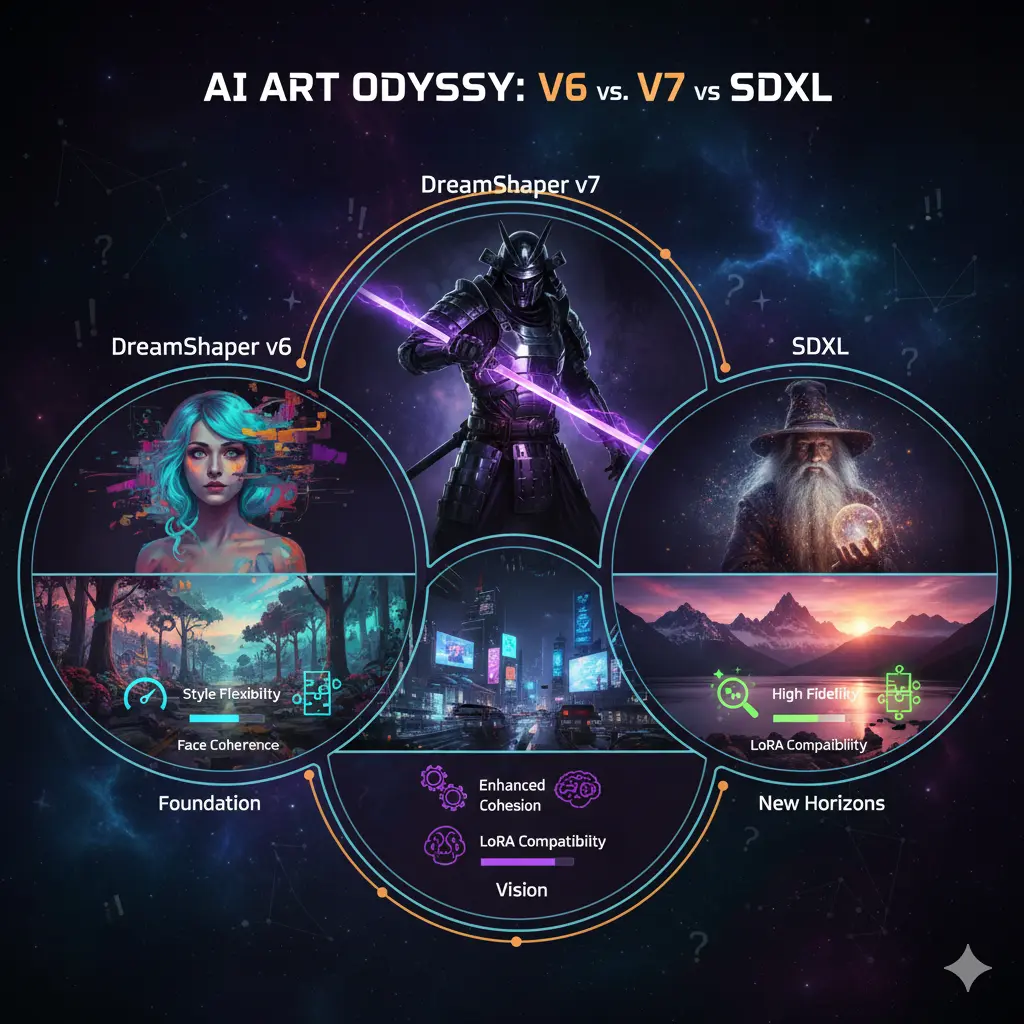
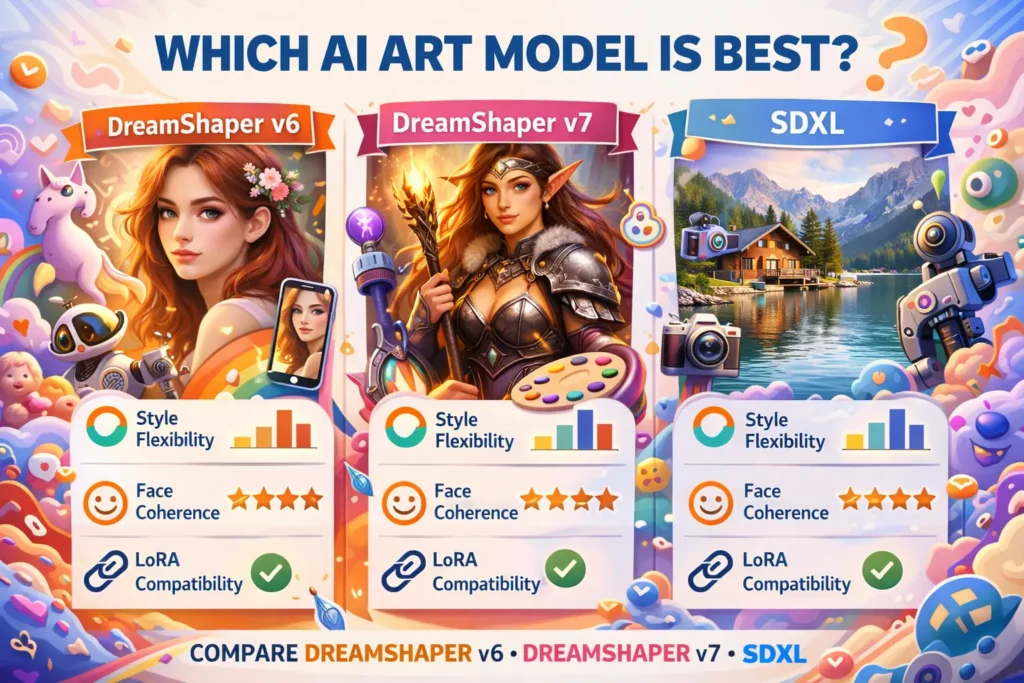
- Models to compare: DreamShaper v6 (if available) vs DreamShaper v7 vs a photoreal baseline like SDXL.
- Fixed logged settings: Sampler, steps, CFG, size, seed, LoRA (name + weight), image2image strength.
- Outputs per combination: 3 images × each (model × prompt) labeled with metadata.
- Human metrics: 1–5 scales for face coherence, realism, style fidelity, detail. Aggregate with inter-rater reliability (Cohen’s kappa or Krippendorff’s alpha).
- Automated metrics (optional): CLIP score (prompt similarity), FID if using large sample sets, and perceptual similarity metrics.
Proven Default Settings for Consistent Results
- Sampler: DPM++ 2M Karras (community starting point)
- Steps: 25 (tune 20–30)
- CFG scale: 7.5–8 (7–9 possible)
- Size: 1024×1024 (scale up if quota allows)
- Seed: Fixed per prompt (e.g., 123456; change systematically)
- Image2Image strength: 0.45 (soft) → 0.6–0.7 for strong edits
- LoRA weight start: 0.4 (raise to 0.6–0.8 for stronger style transfer)
Notes: These balance compute vs quality. Extremely high CFG or steps can lock outputs and introduce artifacts; lower CFG increases variety but may reduce prompt adherence.
Control Output: Negative Techniques for Leonardo AI DreamShaper v7
Why: Negative prompts act as explicit suppressors for recurring artifacts: watermarks, text generation, bad hands, extra limbs.
How: Put them in the negative prompt field. Keep them crisp and enumerated.
Example negative prompt: Low-res, bad anatomy, text, watermark, blurry, deformed hands, extra limbs
NLP note: Negative prompts are an inverse conditioning signal — think of them as a guide that increases the likelihood of the unconditional distribution for those tokens, thereby penalizing the model’s tendency to imprint them.
Why Things Go Wrong and How to Correct Them Quickly
Faces Lose Coherence/Eyes Misplaced
- Fix: Reduce CFG by 0.5–1.0, use explicit portrait tokens, or swap sampler.
- Rationale: Overstrong guidance can overfit attention maps to tokens, causing local distortions; lower CFG restores a more natural distributional sampling.
Sudden Day-to-Day Output Drift
- Fix: Record model name, UI version, date; re-run tests and maintain update log.
- Rationale: Backend pipeline changes (diffusion schedulers, weight updates) are common; reproducible claims need provenance.
Over-Detailed / Cluttered Background
- Fix: Add negatives like busy background, clutter, or specify a minimal background positively.
- Rationale: The model’s prior may default to detailed backgrounds; negatives remove that prior mass.
Watermarks/Text Artifacts
- Fix: Negative prompt text, watermark, logo; try inpainting to remove persistent marks.
- Rationale: Some tokens (text-like glyphs) are learned patterns; explicit suppression helps.
Model not Responding To the Artist’s Name
- Fix: Use descriptive analogs (e.g., painterly oil, strong chiaroscuro) instead of protected artist names.
- Rationale: Platform policy or removed style tokens reduce artist-specific conditioning strength.
DreamShaper v7 vs the Rest: Key Differences Explained
| Model | Base | Style flexibility | Face coherence | LoRA compatibility | Best use |
| DreamShaper v7 | SD v1.5 finetune | High — stylized → semi-real | Good (needs prompt tuning) | Excellent | Character art, stylized portraits |
| SDXL | SDXL base | Very high — excellent realism | Very good | Good | Large-format photoreal landscapes |
| AbsoluteReality* | SD variants | Varies | Excellent (faces) | Varies | Ultra-real faces / commercial headshots |
AbsoluteReality: placeholder for face-optimized models — include the concrete model names you used in your A/B tests.
How to Display Your DreamShaper v7 Tests Like a Pro
- Create 3×3 (or larger) grids: Columns = models, Rows.
- Under each image list: seed, steps, sampler, CFG, size, LoRA used
- Publish CSVs with prompt, seed, steps, sampler, CFG, LoRA, and human scores.
- Include a short screencast/GIF showing image2image strength progression (0.0→1.0) to illustrate fidelity vs edit strength.
- Crucially: log the Leonardo UI version and exact test dates for provenance.
Avoid Legal Pitfalls: Ethical Practices for DreamShaper v7
- Avoid explicit likeness generation of living public figures without consent.
- Verify platform policies if referencing living artists or mimicking styles.
- Respect licenses from Hugging Face, Civitai, LoRA authors; credit authors (e.g., Lykon).
- Label AI-generated images per local regulation and platform requirement..
Pros & Cons Leonardo AI DreamShaper v7
Pros
- Versatile across many styles.
- Excellent LoRA compatibility for targeted edits.
- Large community and public availability.
Cons
- Not the absolute best for ultra-real faces compared to face-optimized models.
- Platform pipeline changes may cause day-to-day drift — maintain an update log.
FAQs Leonardo AI DreamShaper v7
A: It can produce photoreal faces, but for ultra-real faces, specialized models may outperform it. Always test with fixed seeds and A/B tests to verify for your needs.
A: Community-tested defaults: DPM++ 2M Karras; Steps 20–30 (25 sweet spot); CFG 7–9 (8 start).
A: Leonardo and hosting platforms can update pipelines or model weights. Record the UI version and seed in your tests. Community posts have reported drift.
A: Yes — the model is available on public hubs and some API aggregators; check the model repository or your API provider for exact model IDs and licensing.
Conclusion Leonardo AI DreamShaper v7
DreamShaper v7 is a practical, widely used fine-tune useful for creators who need a flexible single-model workflow. The content edge is reproducibility: publish seeds, samplers, CSVs, and Leonardo UI versions. Use the copy-paste settings and prompts in this guide, run the A/B methodology above, and publish your CSVs so readers can replicate and trust your claims.
