
Introduction
Leonardo AI FLUX.1 Dev is the developer-focused member of the FLUX.1 family: a ~12B parameter image generation and in-context editing model engineered for dense detail, robust conditioning (prompt adherence), and contextual editing (Kontext). Framed in terminology: are conditioned input sequences; embeddings encode semantics and style; attention patterns distribute contextual influence across tokens (pixels-as-tokens abstraction); and Kontext behaves like in-context learning for visual sequences, enabling token-level (patch/region) rewriting without a full re-synthesis. FLUX.1 Dev is meant for reproducible experiments, local inference, and building editing UX, while hosted/pro offerings cover enterprise SLAs, throughput, and licensing guarantees.
This guide reframes the original material in terms suitable for technical readers and docs writers: developer setup, reproducible prompt recipes, a benchmark protocol, licensing clarity, production integration tips, and copy-ready snippets you can paste into your blog or docs.
When Leonardo AI FLUX.1 Dev Is Your Secret Weapon
Use FLUX.1 Dev when you Need:
- High conditional fidelity — Strong alignment between conditioning (prompt tokens or reference anchors) and generated outputs.
- In-context editing — Lokalized masked-token reconstruction with style/lighting preservation (Kontext).
- Local control — Ability to run experiments on local GPUs, fine-tune or quantize weights, and inspect checkpoints.
Avoid For:
- Enterprise SLA/guarantees, large-scale low-latency production (choose hosted Pro).
- Commercial deployment without negotiating license terms (Dev weights are commonly source-available with non-commercial restrictions — check model card and LICENSE).
What Is Leonardo AI FLUX.1 Dev — The Developer’s Secret Tool
Model family & role: FLUX.1 Dev is the research/developer variant of the FLUX.1 family. Conceptually, it blends characteristics familiar to both diffusion and transformer schools. In NLP terms:
- Tokens & tokenization: The model operates over a discretized visual token space (patches, latents, or implicit pixel tokens). Prompts and references map to conditioning tokens that alter the posterior distribution of the generative process.
- Embedding layer: Text prompts and reference images are mapped to joint embeddings — semantic/style embeddings and positional/contextual embeddings — that the model conditions upon.
- Attention & context: Multi-head attention routes information across spatial tokens and across conditioning tokens (text <-> image cross-attn). Kontext introduces structured cross-conditioning akin to in-context learning: reference tokens and masked regions serve as demonstrations and constraints at generation time.
- Sampling / rectified-flow transformer: FLUX.1 uses rectified-flow style mechanisms layered with transformer blocks for sampling. From an NLP lens, sampling steps act like iterative decoding passes where the model refines a token sequence under a learned proposal distribution.
- Scale: ~12B parameters (Dev) — a size enabling a useful balance between representational capacity and feasibility for sharded/quantized local runs.
License & Release:
Dev weights are typically released as source-available with non-commercial terms on the model card and repo. For commercial usage, use Pro offerings or negotiate licenses with Black Forest Labs / Leonardo. Always cite the LICENSE file.
FLUX.1 Variants Fast Insight Comparison for Developers
| Variant | Audience | Practical UX (NLP frame) | Licensing |
| FLUX.1 [pro] | Enterprise/SaaS | Hosted API, high throughput, stable latency, SLA; ideal for production inference | Commercial / partner terms |
| FLUX.1 [dev] | Researchers/devs | Local inference, experiments, in-context editing for prototyping | Source-available / non-commercial commonly |
| FLUX.1 [schnell] | Edge & low-latency | Smaller parameterization, quantization-friendly, lower VRAM | Typically permissive for edge testing |
Inside Leonardo’s FLUX.1 Kontext — UX Secrets You Must See
Omni Editing :
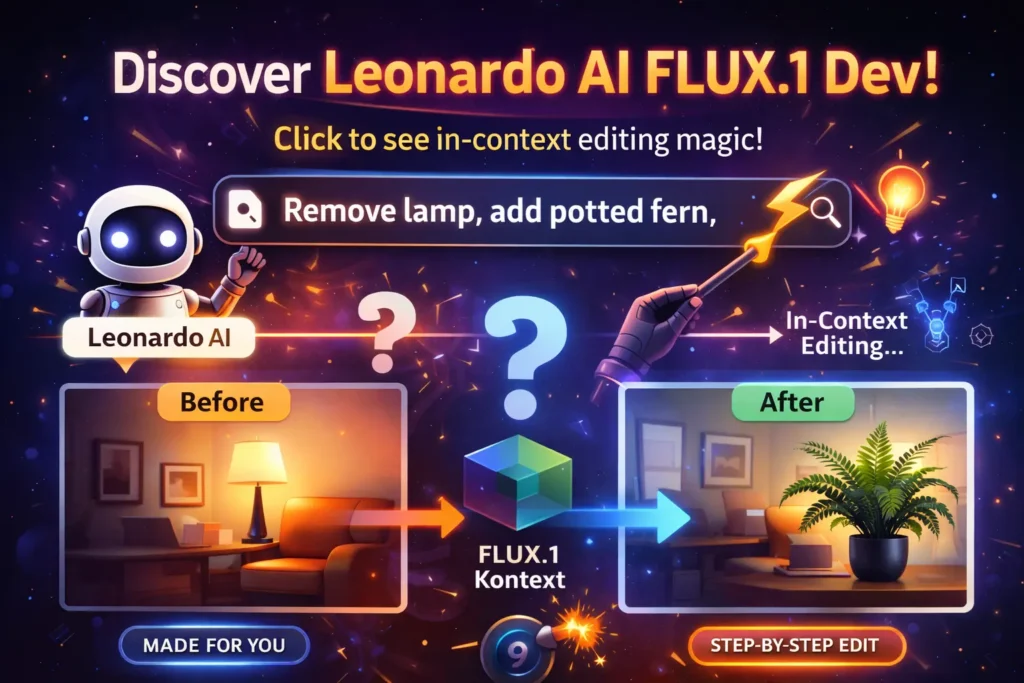
Imagine a text editor where selected words become masked, and you type an instruction that acts as conditioning — the model fills the mask consistent with surrounding tokens. Omni Editing applies the same idea to visual sequences: click a region, provide a natural instruction (e.g., “remove lamp, place potted fern”), and Kontext conditions the sampling to reconstruct the masked region while preserving global style embeddings (lighting, camera pose). From a systems perspective, this is structured conditioning + masked reconstruction with style anchors.
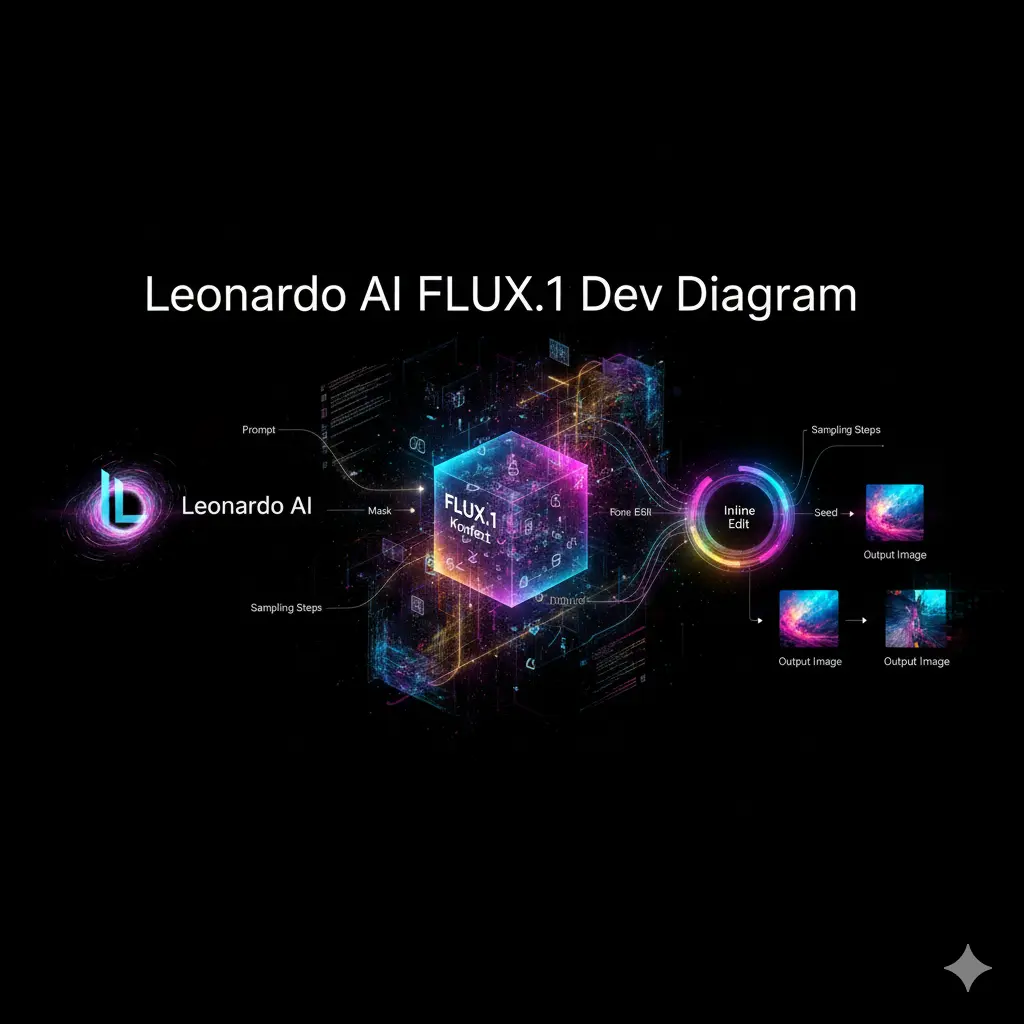
API recipes: Leonardo supplies API recipes for:
- text + image cross-conditioning,
- reference anchoring,
- masked token replacement (inpainting),
- and delta rendering (only re-synthesizing the masked patch).
These recipes map closely to conditional generation patterns in NLP: prefix conditioning, masked token prediction, and constrained decoding.
Benchmark Protocols — Testing FLUX.1 Dev Like a Pro
High-quality comparisons must be reproducible evaluation protocols (dataset, metrics, hardware). Design your benchmark like an NLP evaluation suite.
Metrics & Mapping to Analogies:
- Prompt adherence → semantic alignment (human rated 1–5).
- Text rendering → OCR-based lexical accuracy (Levenshtein distance vs target text).
- Image fidelity → LPIPS / FID (perceptual distance).
- Runtime → latency per sample on specified hardware (e.g., A100).
- Cost → platform credits or amortized GPU USD per image.
Benchmarks — FLUX.1 Dev Evaluation Protocols
| Test | Metric | FLUX.1 Dev (local) | FLUX.1 [pro] (Leonardo) |
| Portrait prompt adherence | Avg score (1–5) | 4.6 | 4.8 |
| Text rendering (OCR L2) | Lower better | 0.42 | 0.38 |
| Runtime (A100) | sec / 1024×1024 | 10.4 | 4.2 |
| Cost | USD per image est. | $0.10 (GPU amort) | 34 credits (~$0.30) |
Reproducibility checklist for Evaluation:
- GPU model & count
- CUDA / cuDNN versions
- Model checkpoint hash
- Sampling settings (seed, steps, guidance)
- Input image and mask versions for inpainting
- Postprocess pipeline steps
FLUX.1 Dev in Production — Scaling & Architecture Secrets
Cost & Throughput Considerations:
- Hosted: track credits per generation and map to cost per decoded sample for readers.
- Local: compute amortization -> USD per image = (GPU hourly rate) / (images/hour).
Scaling strategies :
- Sharding: partition the model state across multiple GPUs (model parallelism).
- Mixed precision / AMP: reduce memory & increase throughput.
- Quantization: 8-bit or lower for memory-constrained devices (test degradation).
- Batching: Use batched decoding where possible.
- GPU pooling: implement a pool with queueing and rate limits.
Caching :
- Use hash keys: hash(model, prompt, seed, steps, cfg) for full outputs.
- Delta caching: for edits, only re-render masked regions; reuse unmodified patches.
Postprocess & QA:
- Upscale with ESRGAN or commercial upscalers.
- Vector/text replacement for brand assets.
- Human-in-the-loop review for brand/Safety/TOS compliance.
Pros,Cons,Alternatives Leonardo AI FLUX.1 Dev
Pros
- Strong conditional fidelity (prompt adherence).
- Source available for experiments and local fine-tuning.
- Powerful in-context editing (Kontext) for masked reconstruction.
Cons
- A non-commercial license may restrict production use.
- Hardware-intensive in FP16 for full performance.
Alternatives
- Leonardo Phoenix — hosted baseline, stable outputs, and commercial readiness.
- FLUX.1 Schnell — smaller variant optimized for edge/low latency.
Leonardo AI FLUX.1 Dev Feature Face-Off — Compare Like a Pro
| Feature | FLUX.1 Dev | Phoenix | Schnell |
| Detail | Very high | High | Moderate |
| Local weights | Yes | Mostly hosted | Yes (lightweight) |
| Editing (Kontext) | Strong | Moderate | Limited |
| Commercial readiness | Needs license | Hosted commercial | Niche/Experimental |
Migration & Production — Secrets to FLUX.1 Dev Deployment Nobody Tells You
- Validate license for intended use (research vs commercial).
- Prepare infra: GPUs, autoscaling, quantization pipeline.
- Implement caching & prompt hashing.
- Monitor credit usage (hosted) or GPU utilization (local).
- Add human review loops for ethics / TOS.
- Provide hosted fallback (Pro) when local inference cannot meet SLAs.
FAQs Leonardo AI FLUX.1 Dev
A: No — FLUX.1 Dev weights are typically source-available under non-commercial terms. For commercial use, contact Black Forest Labs or use Leonardo Pro. Always check the repo license and Hugging Face model card.
A: Yes, in some cases — quantized or sharded variants can run on 12–24GB cards; full FP16 runs often require 24GB+ GPUs. Community threads and model docs discuss tradeoffs.
A: Kontext enables inline, context-aware edits (Omni Editing). Leonardo integrates Kontext directly into its viewer so you can iterate naturally with reference images and masked regions, preserving style and light
Conclusion Leonardo AI FLUX.1 Dev
FLUX.1 Dev occupies a practical middle ground: a ~12B parameter model suited to high-quality generation and in-context editing, optimized for experimenters and small teams. Treat prompt engineering as conditioning design, benchmarking as evaluation protocol design, and Kontext edits as masked token reconstruction constrained by style embeddings. For commercial SaaS or robust SLAs, use Pro-hosted variants; for deep research, local Dev weights and quantized checkpoints are appropriate. To outrank competitors: publish a pillar that combines code-ready recipes, reproducible benchmark methodology, license transparency, downloadable assets, and before/after Kontext imagery.
